Office robots won't need to look like people to change how work gets done. The first useful systems will likely handle repeated movement, routine checks, and software tasks that interrupt people during the day.
- Software robots can move data between approved systems.
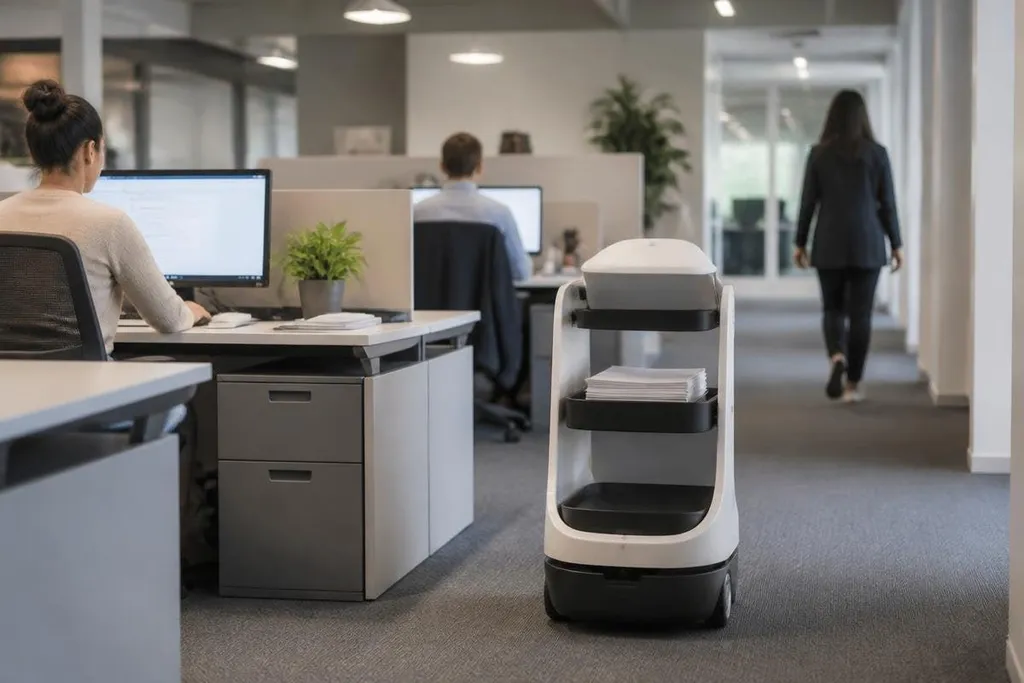
- Mobile machines may carry items through large offices.
- Human review will remain part of sensitive decisions.
The first jobs are repetitive
Office work contains many small tasks that consume time without needing much judgment. Software robots can copy information between systems, check whether required fields are filled, or send a request to the next stage in a process.
These systems work through rules and links to existing software. They need clear permissions, stable data, and a defined result. If an invoice has a missing number, for example, the system can flag it for a person instead of allowing the record to move ahead.
Physical robots could handle a different set of jobs. Mobile platforms might carry documents, equipment, or supplies between rooms. A camera system could check a meeting space after use and report a blocked doorway or an item left behind.
The practical gain would come from fewer interruptions. A person who currently leaves their desk to find a cable or deliver a folder could spend that time on work that needs their judgment.
Robots will work with office systems
A useful office robot needs more than motors and sensors.
It must connect to access control, scheduling tools, inventory records, or building systems without giving itself more access than the task requires.
That makes the software layer as important as the hardware. Knowing where a room is won't be enough when entry has limits, the item belongs somewhere else, or the room is occupied.
That link between maps, rules, and staff is where office automation becomes a daily work issue. Robot24.com robotics coverage can place the company, robot, software, and deployment setting beside the task, giving you facts to weigh before the handoff rules take over.
Some systems will run on a fixed schedule. Others will respond to a request from an employee or a building system. Each approach needs a clear handoff, so a person can see what the robot did and correct a mistake.
The limits will show up in ordinary rooms
Offices are full of small obstacles. Chairs move, doors stay open or closed, people change plans, and objects sit in places the system did not expect. A mapped hallway may suit a robot at first, but a changed layout can cause trouble.
Privacy adds another limit. Cameras and microphones can collect sensitive information, even when a robot only needs to find a room or check whether a desk is free. Companies will need rules for storage, access, deletion, and human review.
Safety also matters near lifts, glass doors, cables, and crowded corridors. A slow robot can still cause trouble if it blocks an exit or moves without a clear warning. Remote help will be needed when the machine cannot finish a task by itself.
The strongest opposing view is that office software can already handle many routine jobs without a physical robot. That view is right for data movement and simple checks, so physical machines need a clear reason to exist.
I'd start with tasks that are easy to measure and easy for a person to review. A system that saves a few minutes but creates extra checking work has not helped.
A sensible starting checklist
Before adding a robot to an office, check these points:
- Name the task: Write down the exact action, location, and expected result.
- Set human control: Decide who can pause the system, correct its output, and handle a failure.
- Limit data access: Give the robot only the files, rooms, sensors, and software links it needs.
- Test the awkward cases: Include blocked paths, changed schedules, missing data, and occupied rooms.
- Count the full cost: Include installation, maintenance, training, security work, and staff time spent checking results.
- Set a review date: Compare the original task measure with the result after the trial period.
The office system that earns a permanent place will probably have a narrow job, clear controls, and a result people can check. The next useful question concerns which office task can be handed over without adding more checking work.